AI has not created an entirely new UX process. We still need to understand the problem, learn about users, structure information, develop solutions and test them.
What has changed is the speed at which we can move between those activities, and how early an idea can become something people can actually try.
For web design, that shift is especially visible. A concept no longer has to stop at a static screen. It can become navigation, filters, forms, product views and other interactions much earlier.
From a screen to a working hypothesis
A static prototype can be enough when the question is about hierarchy, content or a simple flow.
It becomes less useful when the interaction itself is what we need to understand.
How does a product filter behave when several options are combined? What happens when the cart updates? How does the menu behave on a phone? What does the user see while data is loading? What happens when a form contains errors?
These situations contain many states and can take time to model manually.
Nielsen Norman Group has evaluated AI prototyping tools in real design scenarios. Their conclusion is deliberately cautious: the tools can follow broad directions and produce convincing interfaces quickly, but they often lack the judgment needed to handle nuanced design tradeoffs without substantial human guidance.
That is exactly why functional prototypes are useful. They make a hypothesis concrete earlier without removing the need to evaluate it.
A new middle layer between design and development
Figma Make is one example of this shift. Figma describes it as an AI-driven prompt-to-app tool that can turn existing designs and instructions into functional prototypes, web apps and interactive interfaces.
This makes the boundary between design and development less rigid during early exploration.
A designer can investigate responsive behavior, transitions, filtering, navigation and system states before the full product has been built manually. A developer can discuss something closer to actual behavior than a sequence of still images.
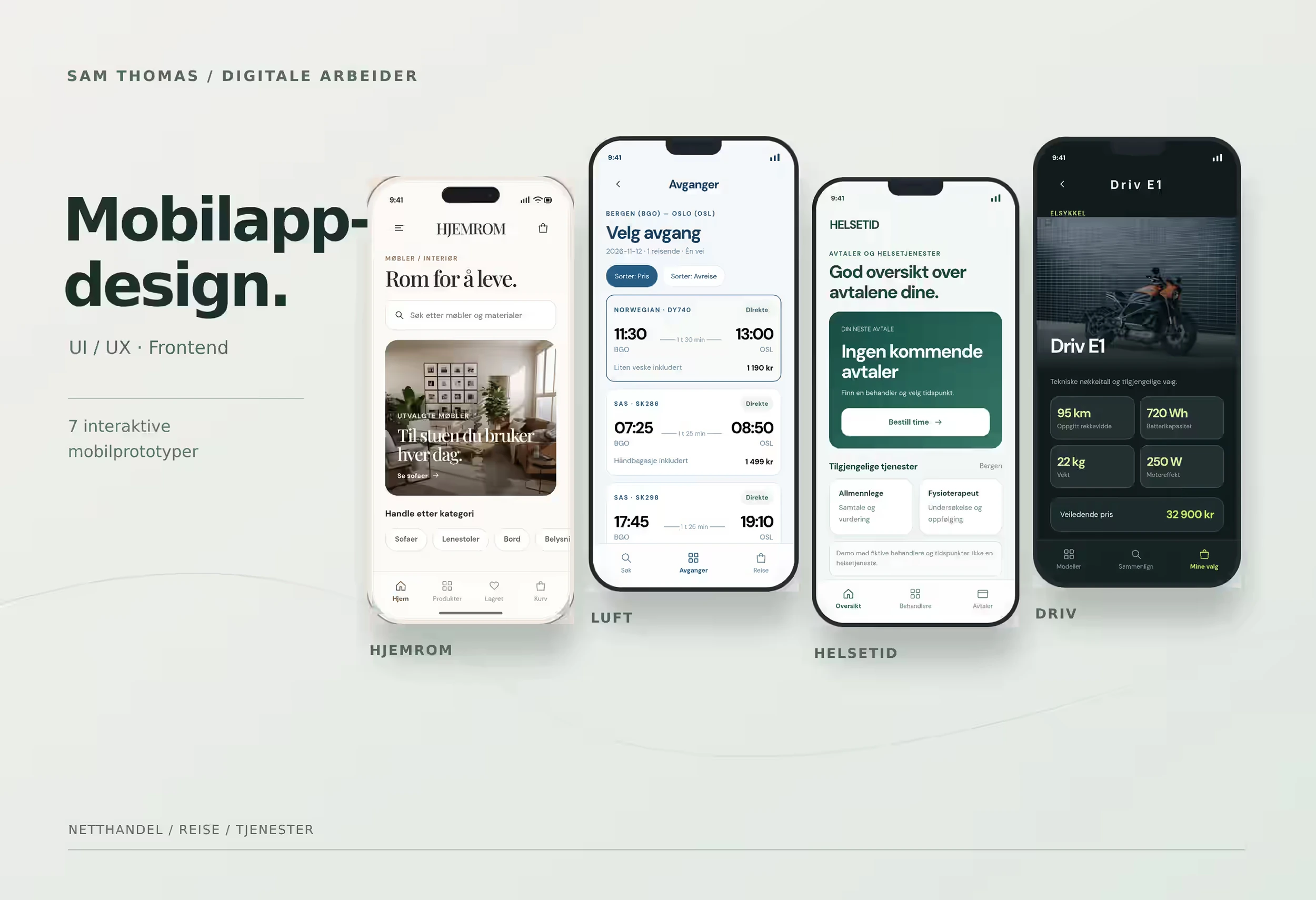
In my own web and ecommerce concept work, this has been particularly useful when a solution contains several interactions. Product filters, carousels, mobile menus and product viewers can be explored earlier.
It also exposes problems earlier. Something can look correct in one frame and still behave badly when a person clicks, drags, goes back or switches to a phone.
Faster production moves the bottleneck
When interfaces become easier to produce, production itself becomes a smaller part of the problem.
The harder question is which solution deserves to move forward.
An interface can look finished before its information architecture, priorities, accessibility and flow have been examined well enough.
A faster prototype creates more opportunities to ask good questions. It does not answer them automatically.
AI is used most where the user is absent
In 2026, Nielsen Norman Group surveyed 521 UX practitioners. AI use was highest in desk-based work such as coding, desk research and analysis of existing research data. It was lowest in user interviews and tests with real users.
Among respondents who performed each task, 73 percent said they often or always used AI for writing or editing code, 69 percent for desk research, and 67 percent for analyzing their own research data.
Use was much lower for interviewing users and testing designs with them.
The survey used a convenience sample and does not represent the entire UX profession. Still, the pattern is useful: AI is well suited to processing material, generating options and assisting production, while direct work with real users cannot be compressed in the same way.
That is the difference between production and validation.
Accessibility still needs human evaluation
The same applies to accessibility.
W3C states that automated evaluation tools can identify potential accessibility issues, but cannot determine accessibility on their own. Human judgment is still required.
That matters when AI can generate large parts of an interface quickly.
The fact that a component exists does not mean keyboard navigation works. A menu opening does not prove that focus behavior or screen-reader interaction is correct.
The faster we build, the more important the checkpoints become.
Shorter loops, not necessarily more stages
It is therefore misleading to describe AI as if it turned a five-step UX process into a ten-step process.
UX has never been completely linear.
Research can change the problem definition. A prototype can reveal the need for more research. A usability test can send the team back to information architecture. A technical limitation can force a design decision to be reconsidered.
AI mainly shortens those loops.
An idea can be explored, built, tried and adjusted with less production work between each step.
Judgment becomes the bottleneck
When more options can be produced quickly, more value moves into selection and evaluation.
Producing one screen quickly matters less. Explaining why one solution is better than another, what assumptions it depends on, and what still needs to be tested matters more.
AI can shorten the distance between an idea and a working prototype. It can also make it easier to build something that looks convincing before we know whether it is right.
It is therefore more useful to think of AI as an accelerator inside the UX and web process, not as a replacement for that process.